
New Prince George's County Permit Process: Submittal of TPIP Document
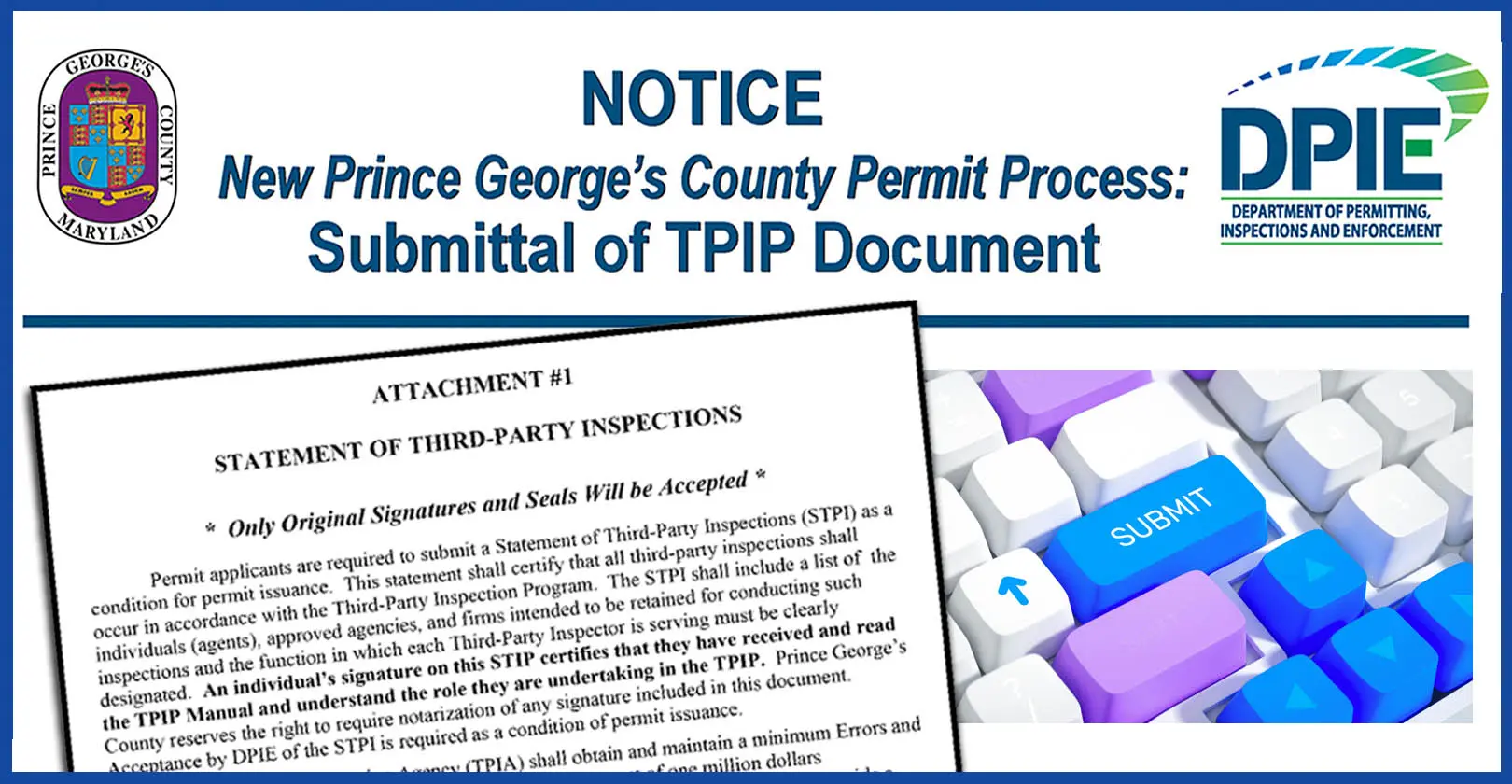
Effective August 25, 2025, DPIE modified the Momentum system to allow permit applicants to upload TPIP “Attachment #1 — Statement of Third-Party Inspections (STPI) Form” earlier in the permit process.
DPIE is urging all permit applicants to accurately complete and upload TPIP Attachment #1 IMMEDIATELY after permit plans are uploaded.
TPIP Attachment #1 should be uploaded to your Momentum permit case. Avoid last-minute delays to your permit issuance by providing this document to be processed concurrently with engineering plan reviews!
Permit Applicants:
1. Review detailed instructions for preparing and submitting “Attachment #1 — Statement of Third-Party Inspections (STPI) Form” on DPIE’s Commercial Inspections page BEFORE submitting to Momentum.
2. Review instructions for uploading “Attachment #1 — Statement of Third-Party Inspections (STPI) Form” on DPIE’s Commercial Inspections page BEFORE submitting to Momentum.
For questions regarding TPIP processing, contact the DPIE Permitting and Licensing Division at 301–636–2050.